
Assignment
Neat and readable
Lecture notes should feel clear, tidy, and easy to scan at a glance.
Balanced spacing with blue ruled paper for school-style submissions.
Turn typed text into clean handwritten notes, assignments, and letters from the homepage. Paste your text, adjust the handwriting style, work on a centered document canvas, and export PNG or PDF files without signing up.
Compose
Source document
A4 Portrait on college blue
Export
The page count and file generation are rendered locally in your browser, so you can edit and export from one place.
Ready. Edit the text, switch templates, or import a document to begin.
Samples
A strong text to handwriting homepage should show range, not just one default page. These presets are built to cover the most common reasons someone opens a handwriting generator: class notes, assignment pages, blue-ink homework, cursive handwriting for personal writing, and cleaner report formatting.
Neat and readable
Lecture notes should feel clear, tidy, and easy to scan at a glance.
Balanced spacing with blue ruled paper for school-style submissions.
Warm notebook feel
Revision pages work best when the spacing breathes and headings stay readable.
Soft lined paper with relaxed spacing for revision sheets and lecture notes.
Exam-prep clean
Blue ink feels especially familiar for exam practice and handwritten homework.
Crisp blue handwriting on a plain ivory sheet with tighter rhythm.
Elegant and flowing
Letters look warmer when the strokes flow and the page feels like stationery.
Soft ivory stationery with a more expressive cursive handwriting style.
Measured and tidy
Lab summaries need discipline, even spacing, and paper that supports diagrams later.
Structured report layout with graph-style paper and disciplined spacing.
Features
The most useful handwriting generator is not the one with the largest feature list. It is the one that helps a visitor move from plain text to believable handwritten notes with the fewest wrong turns. This homepage focuses on that loop. The controls stay visible, the document canvas stays centered, and the export is only one click away when the page finally looks right.
Choose Assignment, Study Notes, Blue Ink, Cursive Letter, or Lab Report, then type directly in the editor or import a DOCX or PDF file.
Adjust handwriting font, paper template, page size, ink color, line height, letter spacing, and page padding until the document canvas feels right.
Download numbered PNG files or a single PDF after checking the page count and sheet setup. Everything stays free on the homepage.
The homepage editor redraws pages locally in the browser so the text to handwriting workflow feels immediate instead of laggy.
Built-in handwriting choices cover neat classroom notes, soft cursive handwriting, report-style lettering, and more expressive personal writing.
Switch between lined paper, dot grid, graph paper, warm ivory sheets, and report-style pages without opening a second screen.
Drop in typed notes, exported drafts, or class material, then convert that content into a cleaner handwritten page without rewriting everything manually.
Long notes paginate across several pages so your final handwriting generator output stays usable for review, print, and sharing.
If your favorite handwriting font is not in the default pack, upload a local font file and use it immediately in the same editor.
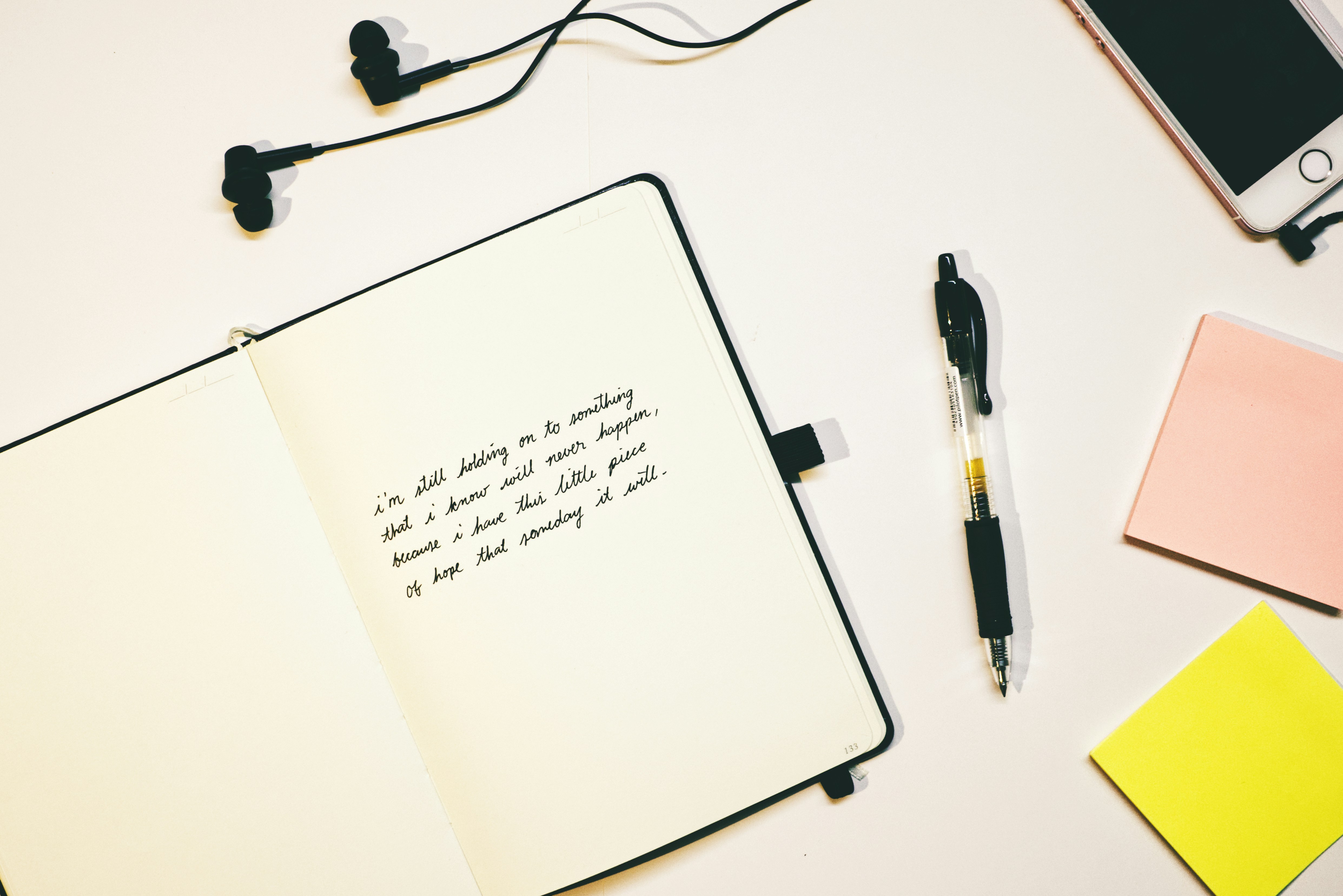
A workspace image that reinforces the single-page writing flow.
A good text to handwriting homepage should not behave like a brochure with a hidden tool. It should behave like a real editor from the first second. That is why this page opens directly into the handwriting generator instead of forcing a registration step, a pricing detour, or an extra dashboard route. Students, creators, tutors, and casual users usually arrive with one direct intention: they want to see how their typed text will look as handwriting as quickly as possible. The homepage now supports that intent by placing presets, controls, and the centered document canvas in one continuous view.
This matters for user experience because handwriting conversion is unusually visual. A person deciding between college ruled paper, soft linen notes, or a cursive handwriting look cannot evaluate the result from text alone. They need immediate feedback. Keeping the controls beside a centered document canvas makes the tool easier to understand and reduces trial-and-error friction. It also improves trust. When the text to handwriting output updates locally, people can see that the page is actually doing work for them rather than just collecting clicks.
A single-page structure also helps performance on Cloudflare Pages. The content shell is static, the tool itself runs in the browser, and heavy parsing or export libraries only load when the visitor requests them. That means the first meaningful load can stay fast, while advanced functions such as PDF import or PDF export are still available on demand. For a free tool, that tradeoff is much stronger than building a heavy SaaS frame on day one.
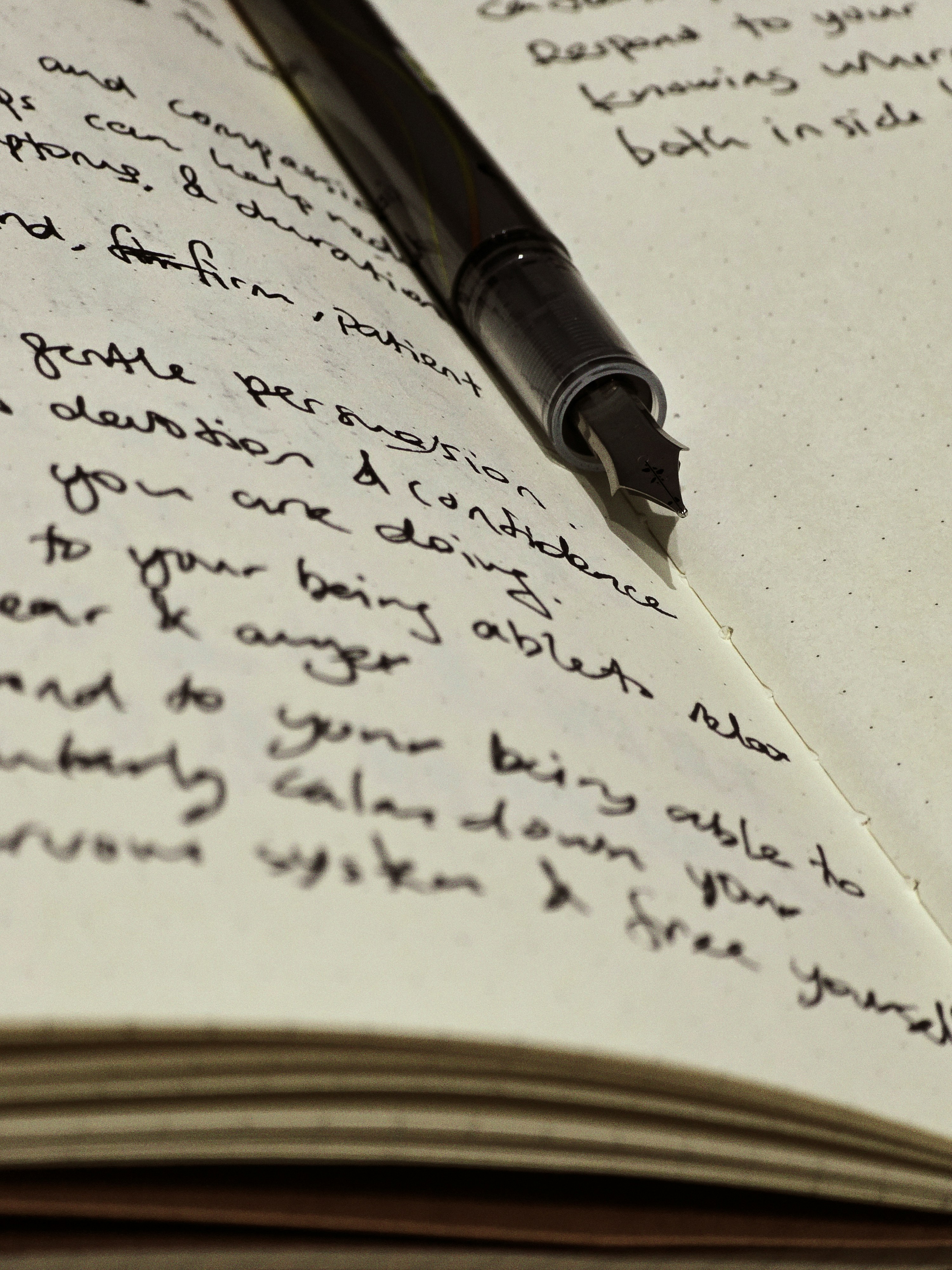
Believable handwritten output depends on detail, not just on a model label.
Most people do not judge a handwriting generator by whether it uses a complex machine learning model. They judge it by whether the page feels believable. Believable output comes from a few obvious signals: the font choice must match the use case, the line spacing should feel human, the paper template should match expectations, the ink tone should look like an actual pen, and the export should stay sharp. A polished text to handwriting tool succeeds when those details work together.
That is why the homepage focuses on practical controls instead of novelty toggles. Font size, line height, letter spacing, page padding, and paper style are the controls that make the biggest visible difference. The preset system combines those settings into common scenarios like study notes, assignment pages, blue-ink homework, cursive letters, and lab reports. In practice, presets solve most user needs faster than forcing every visitor to tune fifteen options from scratch.
The custom font upload option covers the remaining edge case. Some users already have a handwriting font they like or a brand-specific script they want to reuse. Supporting local font upload lets the page stay flexible without turning the product into a complicated account system. For a free homepage-first tool, that is the correct level of power: enough control to satisfy real use cases, but not so much complexity that the editor becomes hard to use.
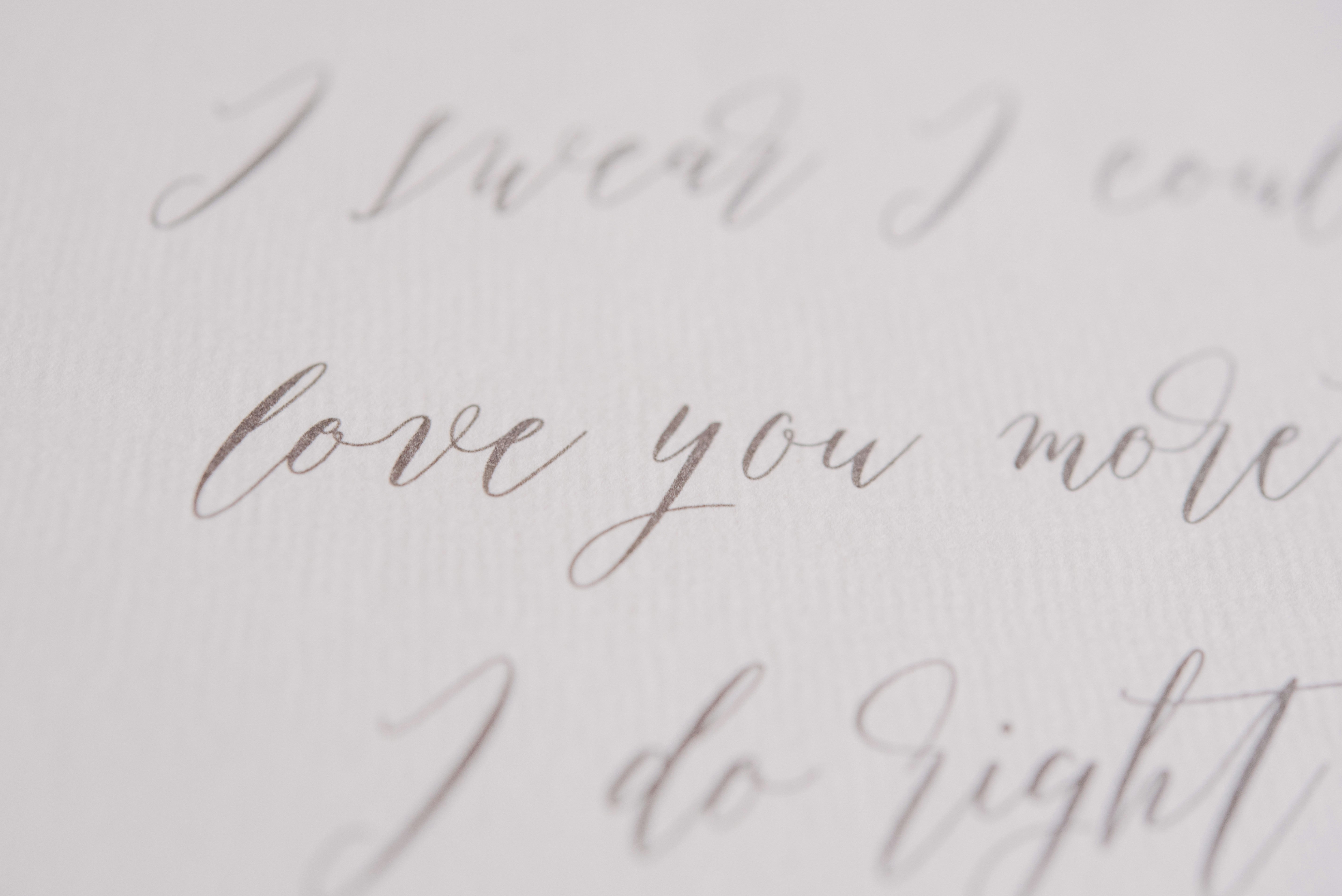
Clean source text and the right paper style produce more natural results.
If you want the best result from any text to handwriting workflow, start with clean source text. Short paragraphs, intentional line breaks, and consistent punctuation improve the final page more than people expect. Imported notes from PDF or DOCX often contain awkward spacing, especially after copied headings or numbered lists. Cleaning that text before export makes the final handwritten notes look natural instead of mechanically pasted.
Match the paper template to the job. College ruled and blue ink usually work well for school assignments, plain ivory is better for mixed content or more formal pages, dot grid helps minimal note-taking, and graph paper supports lab-style writing. Choosing the right page background changes the emotional tone of the output immediately. That is also helpful for SEO intent because visitors searching for handwritten notes, cursive handwriting, or a handwriting converter are often really looking for a specific page style rather than a generic conversion engine.
Finally, export only after checking pagination. Good multi-page handwriting output should not split lines badly, leave accidental blank pages, or squeeze the final page too tightly. The editor on this homepage keeps page count and page style visible while local rendering runs behind the scenes. That keeps the conversion workflow practical: edit, adjust, and export. That loop is much closer to what users actually need from a free handwriting generator than a feature checklist that looks impressive but slows the task down.
Guide
The strongest homepage SEO content is not filler. It explains how the text to handwriting workflow works, who gets value from it, why a handwriting converter saves time, and how to use the tool responsibly. These are the questions people search before they decide whether a text to handwriting page is worth trusting.
Open the homepage and either type directly into the centered document canvas or paste text from your notes, essay draft, or letter.
Choose a preset first if you want a faster starting point for study notes, assignment pages, blue-ink homework, cursive writing, or cleaner lab-style pages.
Adjust the text to handwriting settings that matter most: font, paper template, page size, ink color, line height, letter spacing, and page padding.
Use PDF, DOCX, or TXT import when you already wrote the content elsewhere and want to convert it into handwritten pages without starting over.
Check the page count and spacing before export so the text to handwriting result looks balanced across one page or several pages.
Download numbered PNG files or a single PDF when the handwriting converter output looks right for print, review, sharing, or personal use.
Students use a text to handwriting converter for revision sheets, homework drafts, printable notes, and cleaner study pages when they type faster than they write.
Teachers can prepare examples, worksheets, and note-style handouts that feel more personal than plain typed documents.
Writers, designers, and makers use text to handwriting output for quotes, journal pages, letters, gift notes, and nostalgic visual content.
Professionals can add a warmer handwritten tone to thank-you notes, product inserts, event material, or short branded messages.
Some users want the look of handwriting without the strain of writing long pages by hand, especially when neatness matters.
A browser-based handwriting converter saves time because the document can be edited once, cleaned up, and exported immediately.
A good text to handwriting workflow lets you type once, refine the text, and export final pages in minutes instead of rewriting entire documents manually.
Because the handwriting generator exposes fonts, paper, spacing, and ink settings, the final page can feel tidy, readable, and more believable.
This text to handwriting editor renders in the browser, which keeps the workflow lightweight and avoids making users wait for a remote queue just to see changes.
The tool supports longer writing sessions, so you can turn typed notes, summaries, or letters into several handwritten pages without losing structure.
A text to handwriting generator is best used as a formatting and presentation tool. It helps typed content look more personal, more readable, and more visually distinctive, but it does not replace authorship, honesty, or any rules that apply in school or professional settings.
Use the text to handwriting tool for your own notes, letters, study sheets, or creative projects rather than misrepresenting someone else’s work.
If a teacher, client, or reviewer specifically requires genuine manual handwriting, follow that rule instead of treating a handwriting converter as a substitute.
Imported text should still be your own content or content you are allowed to format. The tool changes presentation, not authorship.
The best use case for text to handwriting is better presentation, faster formatting, and more personal page design, not deception.
Common questions about this text to handwriting converter, including setup, customization, imports, export quality, mobile use, and what to expect from the final page.
Start by typing or pasting text into the centered document canvas. Then choose a preset or adjust the handwriting font, paper style, page size, ink color, and spacing controls. If you already wrote the content somewhere else, import a PDF, DOCX, or TXT file. Once the layout looks right, export the text to handwriting result as PNG images or a PDF.
Yes. The homepage is designed around a free handwriting generator experience. The core workflow stays open: type or paste text, import PDF or DOCX files, customize paper and handwriting fonts, upload a local font, review the document canvas, and export PNG or PDF output. There is no account gate in this version, and there is no requirement to subscribe before seeing results. The goal is to let users validate the quality first and keep the homepage useful as a standalone tool.
The main rendering workflow is browser based. Text edits, preset changes, handwriting page rendering, and font loading happen locally on the client side. That makes the homepage faster on Cloudflare Pages because the tool does not need a server round trip just to refresh the document state. It also keeps the editor simple to deploy and easier to trust for casual note conversion. If you export, the files are generated from the browser session rather than from a remote queue.
The target for this homepage is the same practical quality band that users expect from a polished text to handwriting product: readable handwriting fonts, believable spacing, clean paper textures, and reliable export. In real use, those factors matter more than whether the product markets itself as AI. A strong preset, a matching paper style, and a disciplined export pipeline usually produce handwritten notes that feel competitive for assignments, revision sheets, and printable study pages.
The homepage supports PDF, DOCX, and TXT import for the first version. PDF and DOCX import are useful when you already wrote notes elsewhere and want to convert them into handwriting without retyping. After import, you can clean the copied text, choose a handwriting style, and re-export the result as handwritten pages. For the best output, imported text should be mostly paragraph based rather than heavily tabular, because complex layouts are outside the scope of this version.
You can customize the settings that make the biggest visual difference: handwriting font, paper background, A4 or US Letter page size, ink color, font size, line height, letter spacing, and page padding. The preset system is there to speed things up, but the editor still gives you enough control to shape the final handwritten notes, assignments, or letters to fit your use case.
Yes. You can upload a local TTF, OTF, WOFF, or WOFF2 file and use it immediately in the editor. That is important because handwriting is personal. Some visitors want a tidy classroom style, some want soft cursive handwriting, and others already own a font that matches their brand or aesthetic. Local upload gives flexibility without making the homepage dependent on accounts or cloud storage.
Yes. The editor is built for longer text, not just a single short note. If your content runs past one page, the text to handwriting workflow paginates it and lets you export numbered PNG files or a single PDF. It is still a good idea to check spacing and page count before download so the final document feels balanced from the first page to the last.
The exporter renders the handwritten pages at a higher resolution than the on-screen editor surface, then packages them as PNG or PDF. That approach keeps the interface responsive during editing while still producing cleaner output at export time. For most normal classroom, note-sharing, or print workflows, the result is strong enough to compare with established handwriting generator tools. As always, it is a good idea to check the final PDF after export if you are working with very long text or dense spacing.
It should be close, but you should still treat the editor as a working view rather than a perfect print proof. The page size, margins, spacing, and count are designed to stay aligned with export, but final PNG or PDF output can still feel slightly sharper because it is rendered at a higher resolution. The safest workflow is simple: edit, check the layout, then export once the page count and spacing look right.
Yes. Those are some of the main use cases for a text to handwriting converter. The presets and paper options are designed for class notes, assignment-style pages, blue-ink homework, cursive letters, and cleaner report formatting. The better the source text and spacing, the more natural the final handwriting output will look for those scenarios.
Yes. The homepage is responsive, so you can type, import, adjust settings, and export from a phone or tablet as well as from a desktop browser. Desktop usually feels better for longer writing sessions, but mobile is still useful for quick conversions, short notes, and last-minute edits.